S9-Pull Request Process
#all #git #vcs #documentation #it #codeberg #standard
1 Purpose
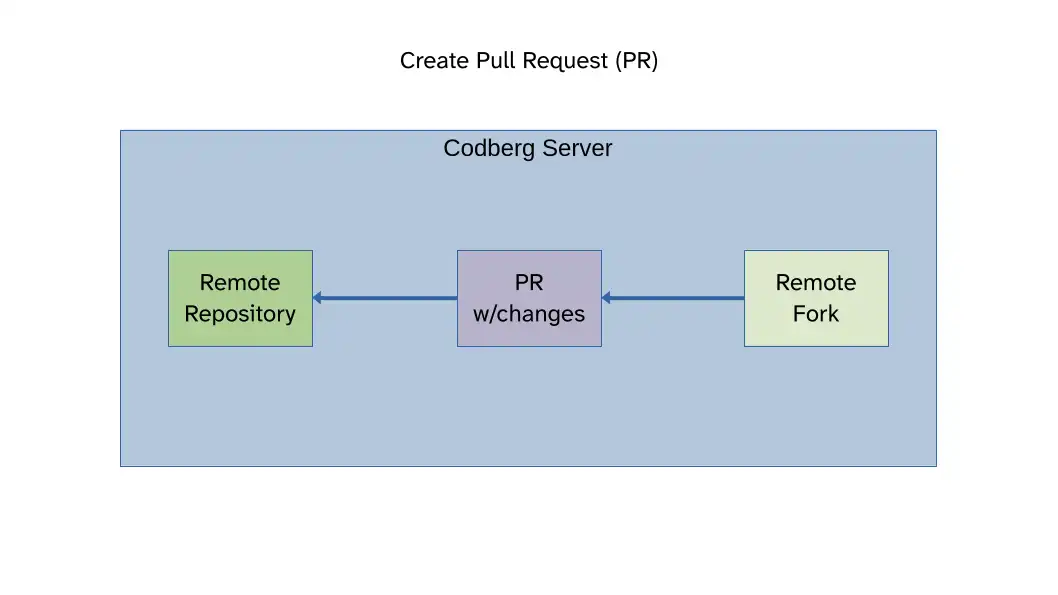
The purpose of this document is to give a general overview of how the common Pull Request (PR) process works in a typical open-source code repository.
2 Scope
All Departments and team members.
3 Prerequisites
In general you need:
- Account on the repository host site (Codeberg in this case or GitHub).
- SSH key generator
- SSH Agent
- Jujutsu VCS
If on windows, follow the SSH setup guide for Codeberg on Windows.
4 Basic Process
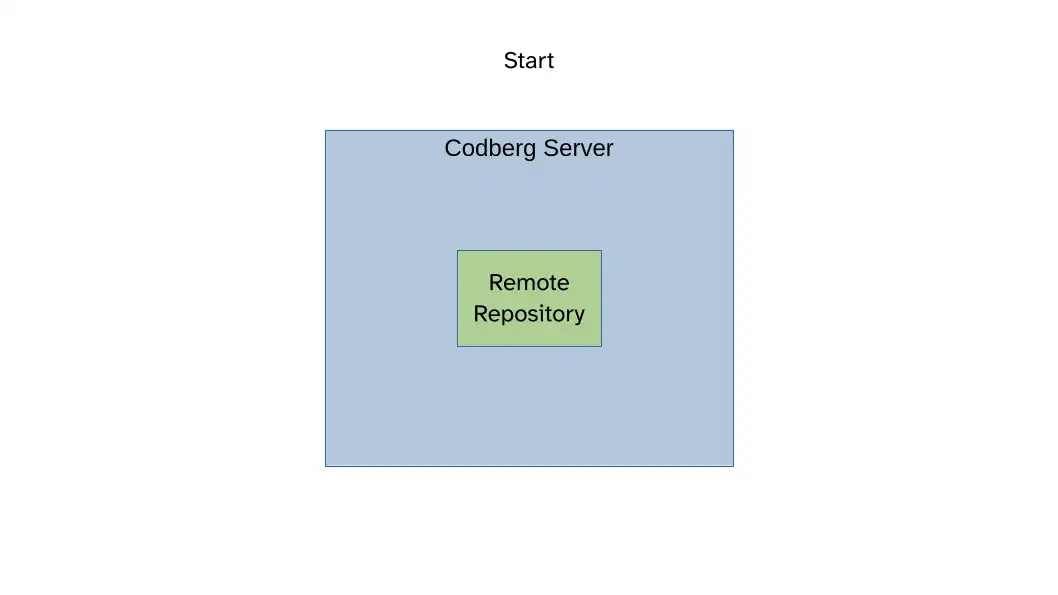
4.1 Start with the original remote repository
4.2 Create a Fork
Using the interface on the Codeberg website, create a Fork:
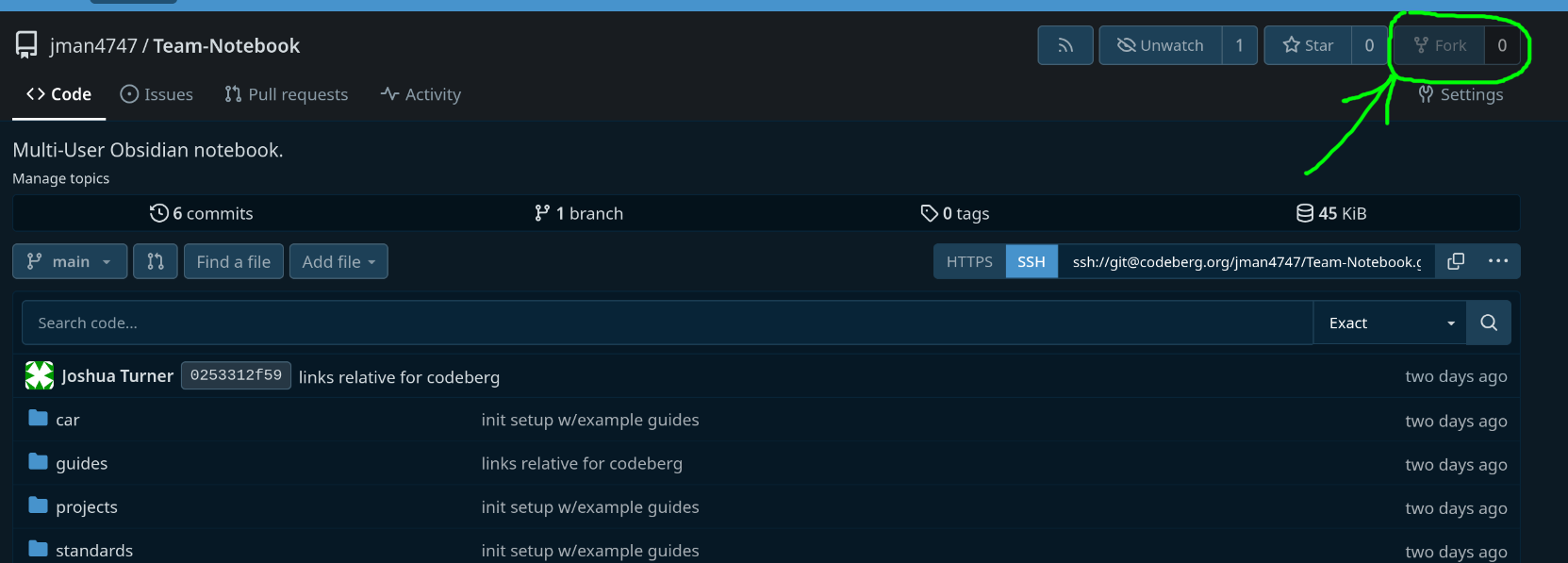
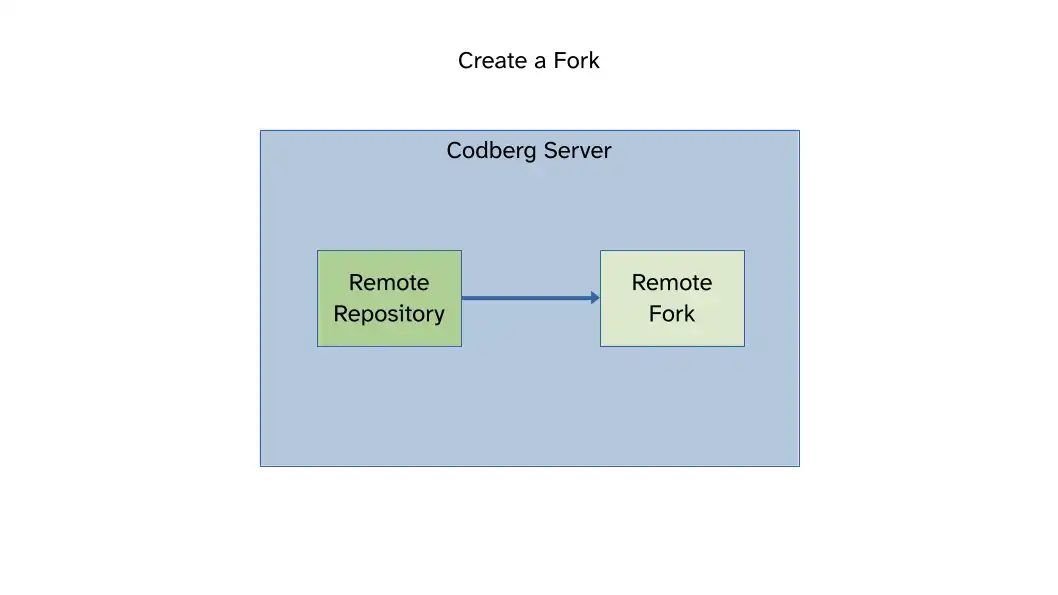
Your account now has a copy of the original "Upstream" repository that you can do what you want with.
4.3 Create a local clone of the Fork
Clone it to your local machine.
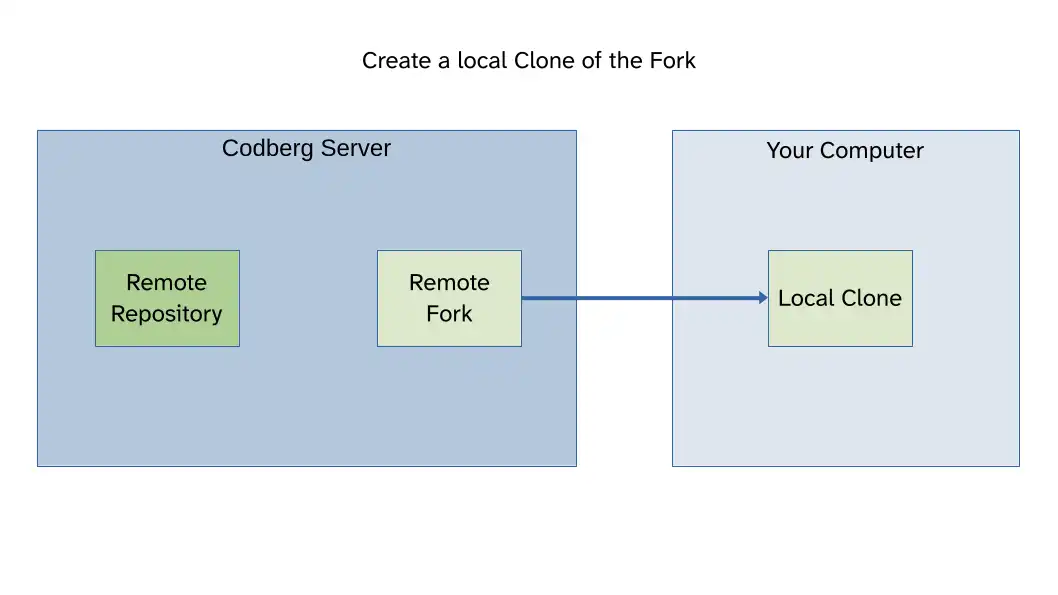
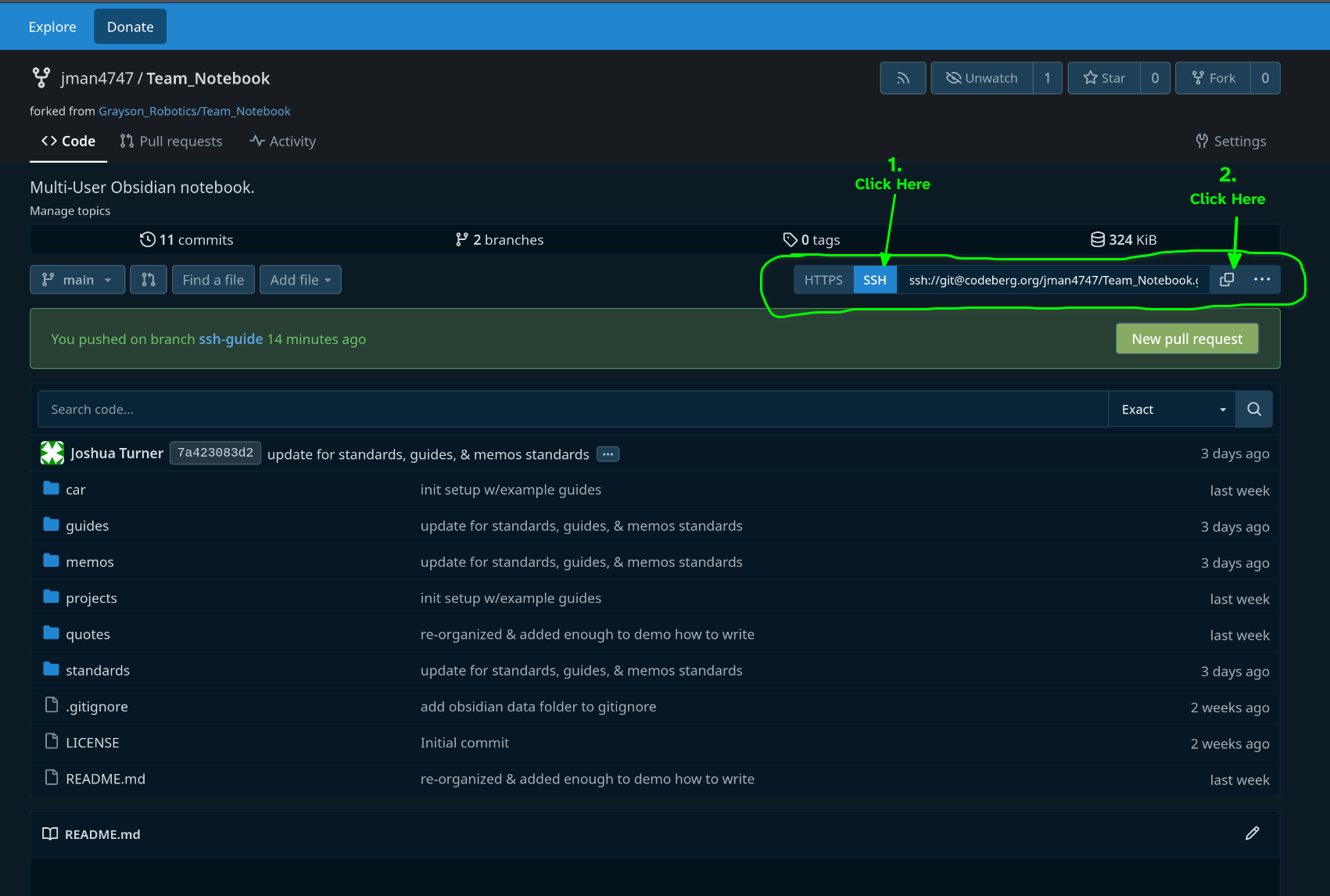
Using jj this looks like: jj git clone <SSH URL of Fork> replace "SSH URL of Fork" with the SSH URL of your Fork and not the Upstream repository.
The URL can be found as shown here (assuming you are logged in and you have an SSH key setup with your account):
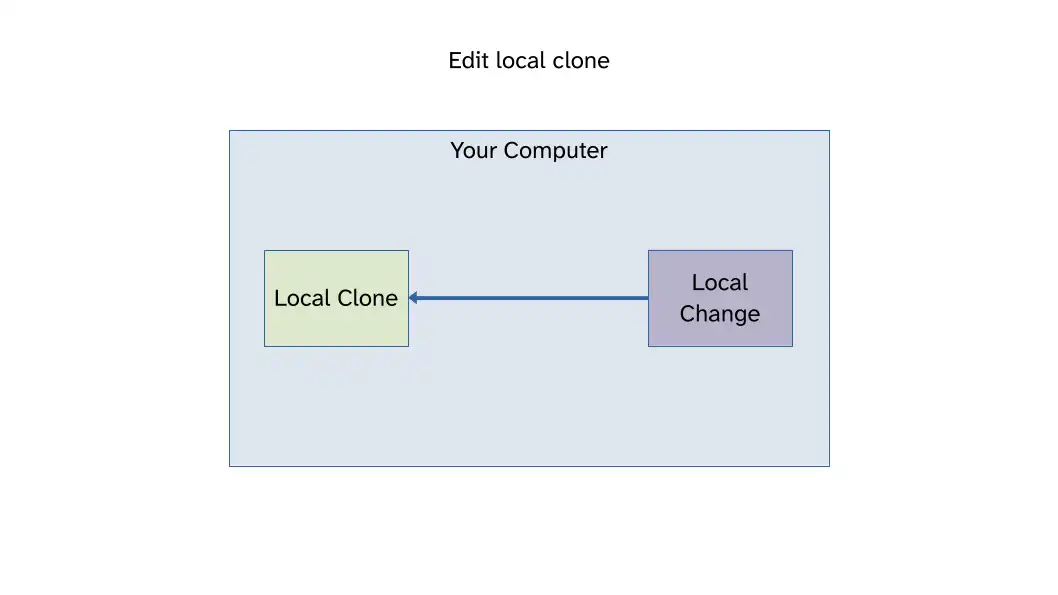
4.4 Edit your local clone
4.5 Update (Rebase) your local repo prior to the PR
Before submitting a PR ensure your fork is synchronized with the original remote. Someone may have merged a PR after you created your Fork.
You'll want to setup both your Fork and the upstream repository as "remotes". Setup in JJ-VCS.
Fetch from the Upstream and deal with conflicts.
Alternatively you can update your fork using the Codeberg interface:
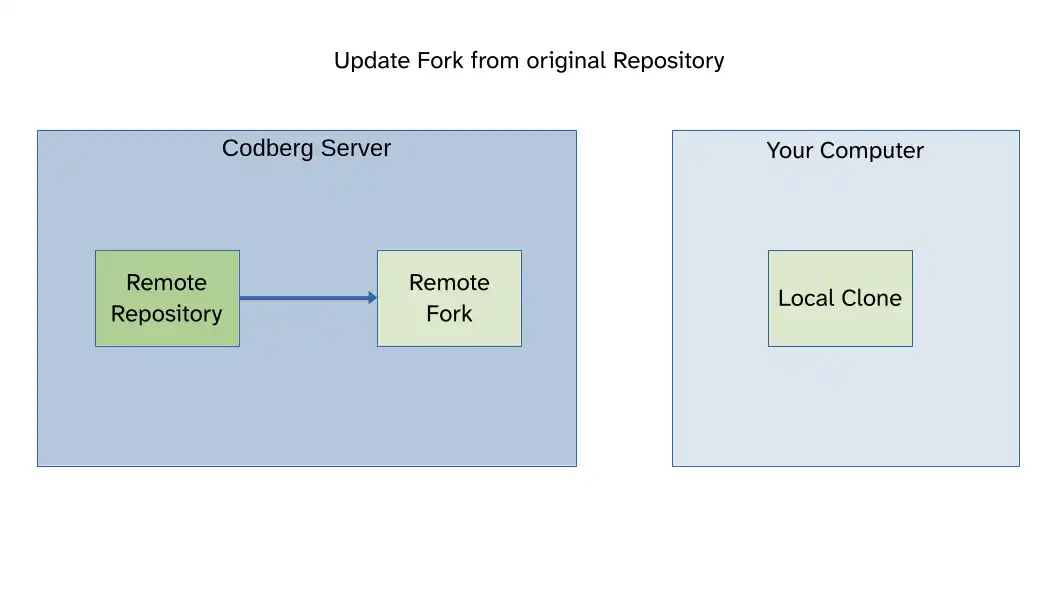
Then fetch those changes into your local repository:
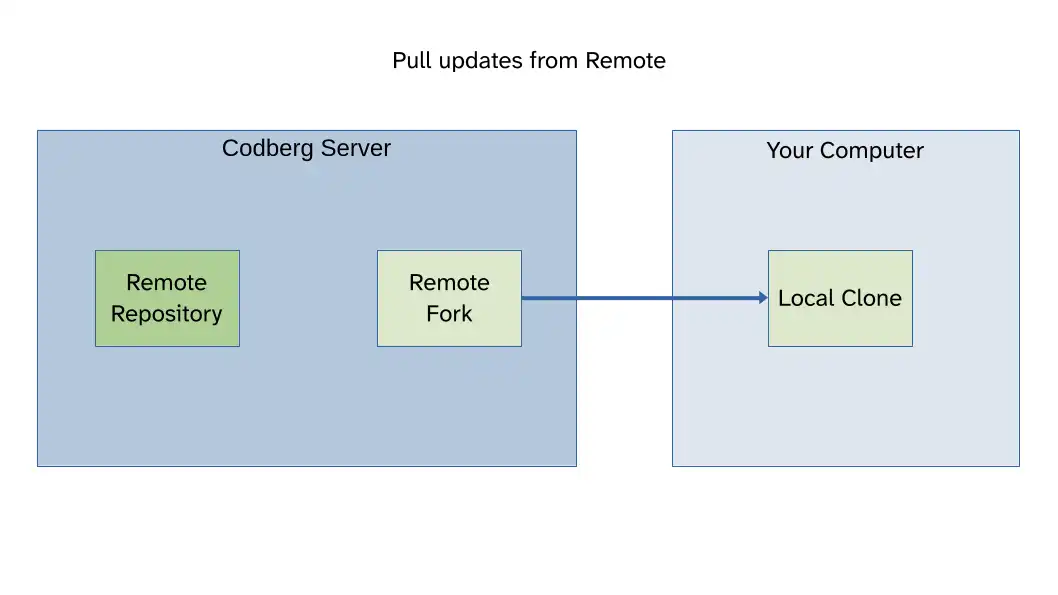
4.6 Push changes to your Fork
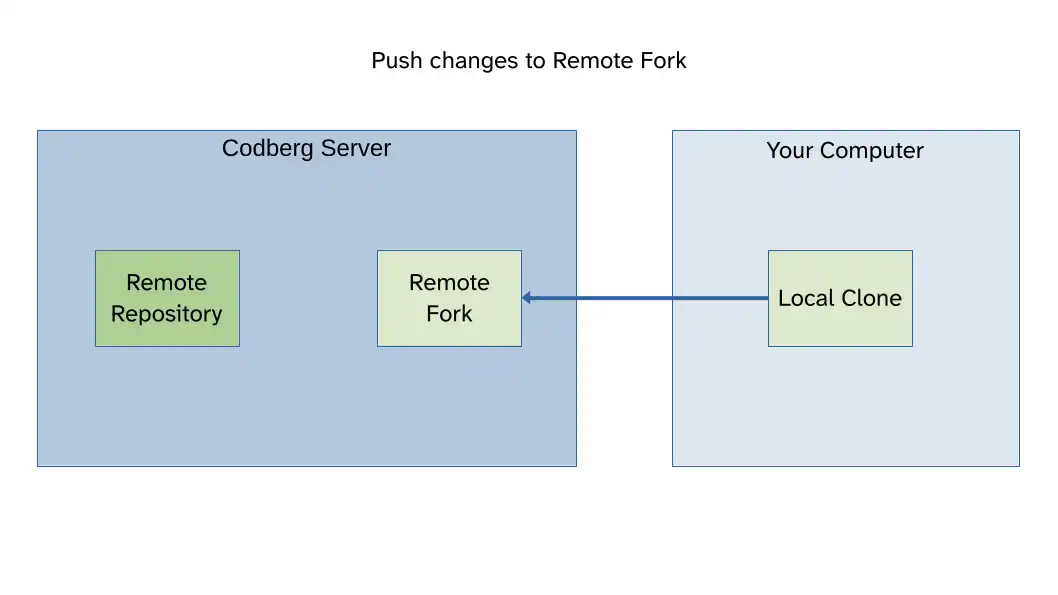
4.7 Create PR on the original repository